

Classroom Interactive Monitors
Interactive monitors, or Wacom Tablet displays, allow instructors to annotate presentations, plan, and share with others on a digital canvas.
Access Interactive Monitors
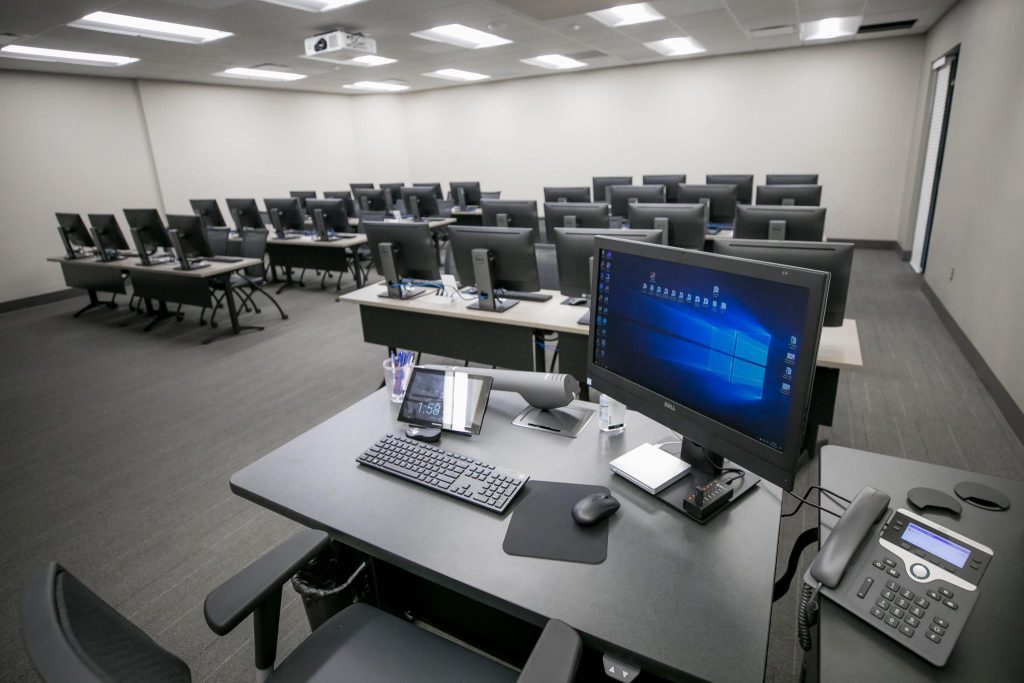
Interactive monitors are found on the on the podium in many classrooms at the University of Alabama.
Interactive Monitor Guides
Wacom Tablet Display & Pen
Use the Wacom pen to annotate in Microsoft Office programs
Microsoft Ink Annotation
Use the AutoInk plugin to annotate in Adobe PDFs
Microsoft Whiteboard
Use the Whiteboard to brainstorm and save the file for future reference
Technical Support
Audio/Visual Solutions (AVS), an area of the Office of Information Technology, provides technical support for interactive classroom monitors.