

Respondus
Respondus tools help instructors create and secure exams in Blackboard.
Respondus Lockdown Browser and Monitor create a secure testing environment for Blackboard tests. Respondus 4.0 Campus-wide is a test management software that allows instructors to upload/download tests to/from Blackboard.
Respondus Lockdown Browser & Monitor

- A custom browser, and an optional webcam feature, that locks down a Blackboard testing environment.
- Students are unable to print, copy, visit other websites, access other applications, or close a test until it is submitted for grading.
- If a test requires Monitor, students are required to use a webcam and microphone while taking their test in Blackboard.
Access Respondus Lockdown Browser & Monitor
- Students can download UA’s Respondus Lockdown Browser from “Download Respondus Lockdown Browser” link on the Institution page in Blackboard.
- Instructors can add Respondus Lockdown Browser and Monitor in the test settings in Blackboard.
exclamationCHROMEBOOK USERS
The University of Alabama’s Respondus Lockdown Browser is not available for use on Google Chromebooks.
Respondus Lockdown Browser & Monitor Support
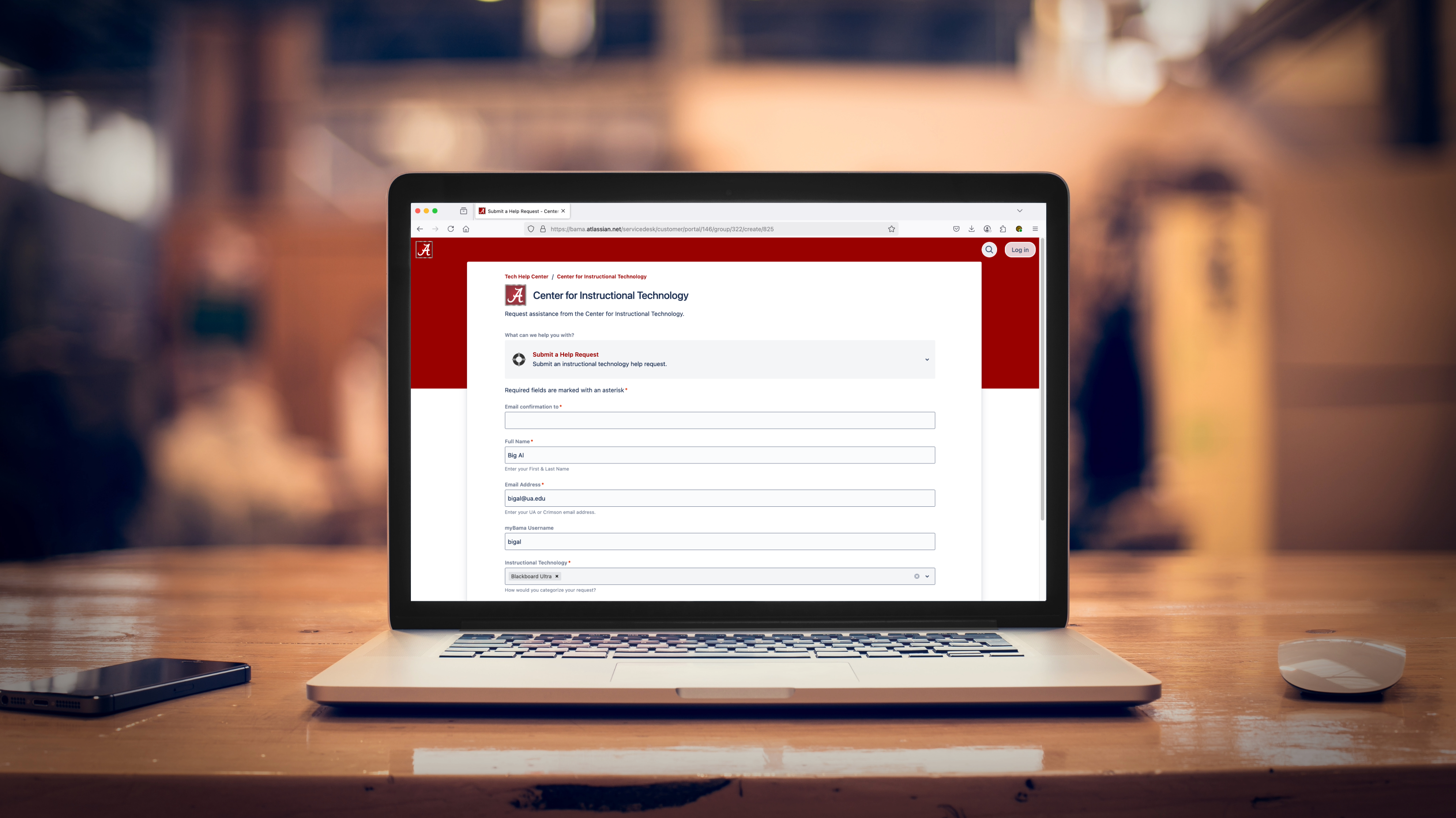
Submit a help request or visit the CIT Knowledge Base for step-by-step guides, videos, and answers to frequently asked questions.
Submit a Help Request
Ask questions via our online support form
Lockdown Browser & Monitor for Students
- Download Respondus Lockdown Browser
- Lockdown Browser Info for Students
- Respondus Monitor Info for Students
- Troubleshooting Error Messages
Visit our library of support guides for students
Lockdown Browser & Monitor for Instructors
- Add Lockdown Browser to a Blackboard test
- Set a password for a Lockdown Browser test
- Add Monitor to a Blackboard test
- Use Excel & Word with Monitor
Visit our library of support guides for instructors
Respondus 4.0 Campus-wide

A software for creating and managing exams that can be printed or published directly to a Blackboard course. Exams can be created offline using a familiar Windows environment or moved between different learning systems.
Access Respondus 4.0
Faculty & instructors can obtain the software through the OIT Software Catalog. The test management software is only for faculty & instructor use on a Windows PC.
InfoRespondus 4.0 Campus-wide Resources
- This software is supported by the Center for Instructional Technology.
- All documentation and installation files are located in the OIT Software Catalog.
Technical and access issues
Our license with Respondus, Inc. does not permit instructors to obtain support directly from Respondus, Inc. If CIT is unable to provide a solution to your particular question or problem with Respondus 4.0, we will contact Respondus, Inc. on your behalf.