
Issue
We are aware of issues with accessing and editing Blackboard documents and files. Both faculty and students are receiving these errors.
When accessing/editing Blackboard content, you may receive one of the following error messages:
Not Found
The message reads “The specified resource was not found, or you do not have permission to access it.”

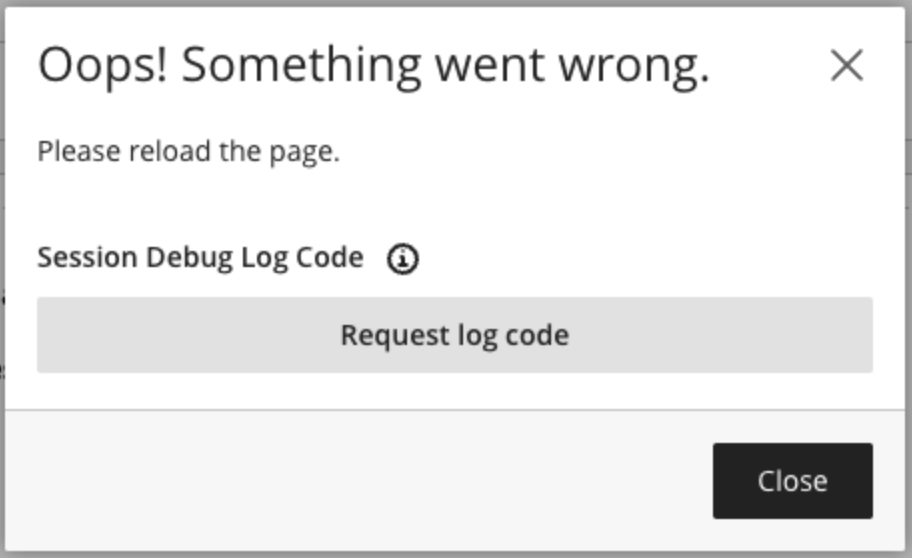
Oops! Something went wrong.
The text reads “Oops! Something went wrong. Please reload the page.”
Support
Blackboard Support is aware of the issue and they are working on a solution. For now, please try basic troubleshooting steps:
- Clear the cache in your browser.
- Try another browser.
- Restart your computer.
If the error message persists, please let contact us at cit@ua.edu.